Accessing the Health & Wellness Information Portal (HWIP) will now require Vanderbilt University workforce members to sign-in using their VU email address instead of VUNET ID as their username.
Vanderbilt University workforce members who access the Health & Wellness Information Portal (HWIP) will need to register for a VUMC guest account to access the application.
To register for a new guest account:
1. Visit this Microsoft MyAccess page and continue with the instructions below.
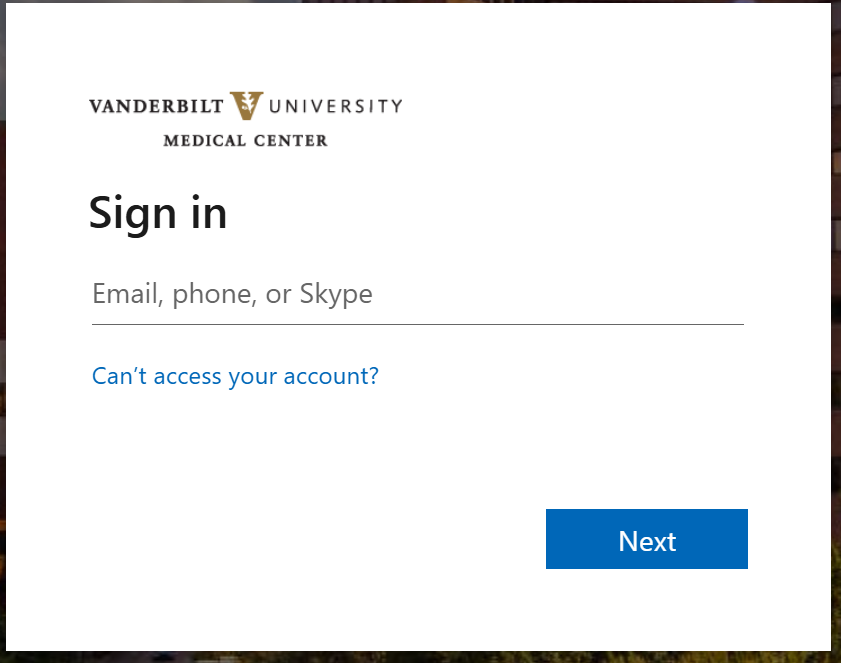
2. You will be prompted to login with your VU email address.
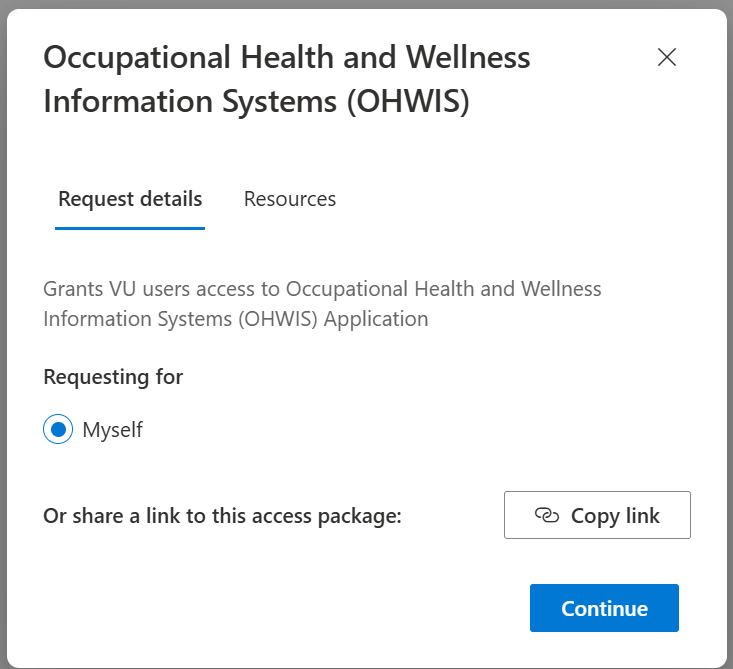
3. After signing in, choose "Continue" to request access.
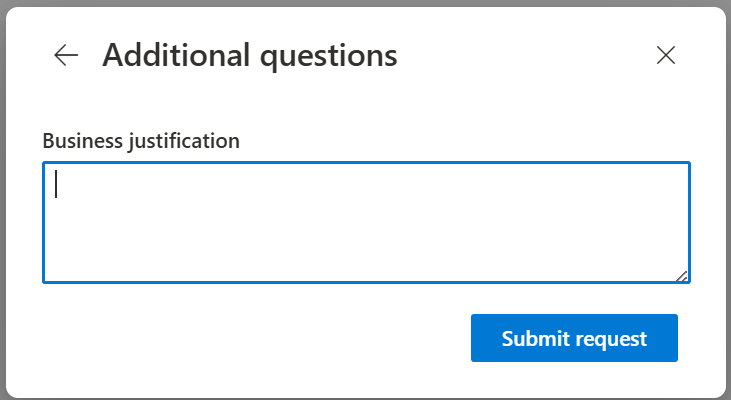
4. On the final pop-up, choose "Submit request". A "business justification" is not required.
After you have submitted your request, you will receive an email stating you have access to the Health & Wellness Information Portal application.
You can access the portal from the Health & Wellness website. Look for this icon.
Choose the HWIP icon. When prompted, log in with your VU email address.
